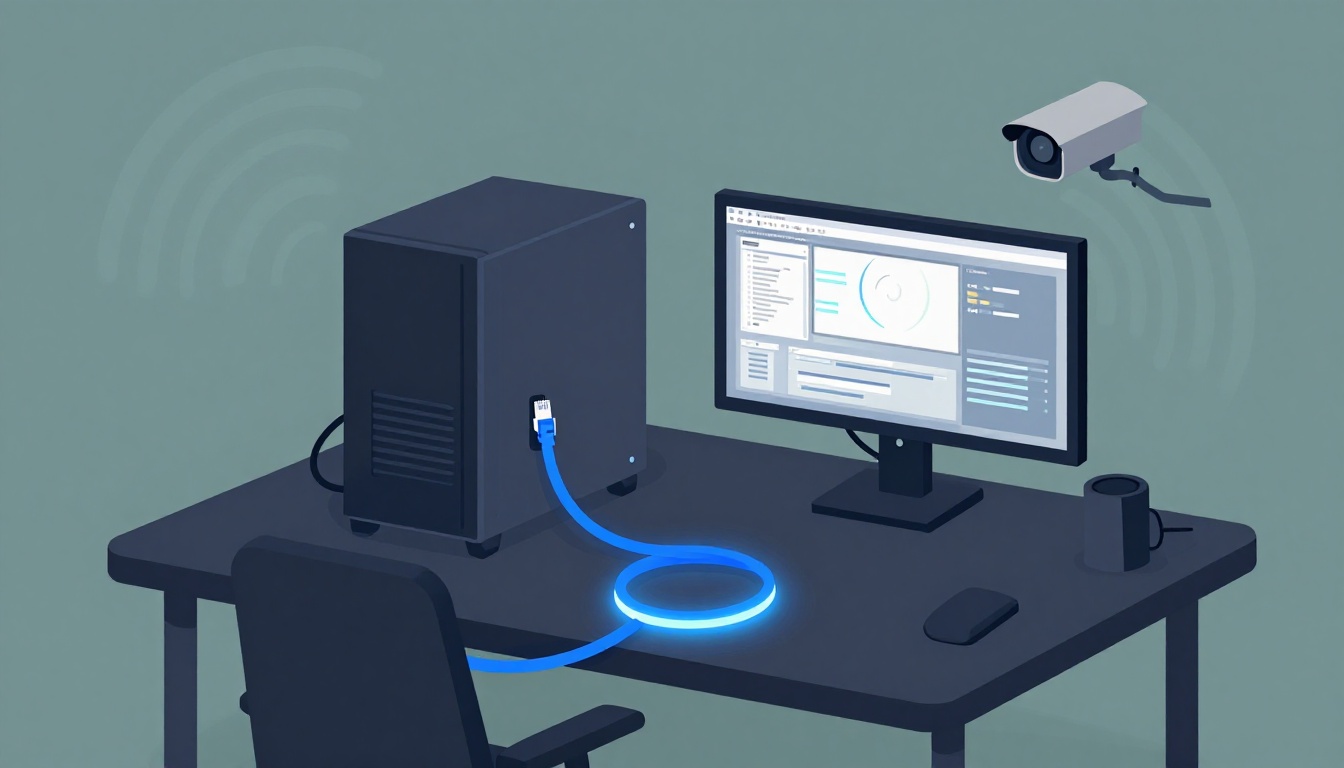
You can charge a phone without plugging in. You can stream music across the house. You can even join calls while walking around. Still, one question keeps coming back for gamers, creators, and IT folks: why cables are still important in the age of wireless?
Because wireless can be convenient, but it’s also shared, signal-based, and easier to mess up. Ever joined a game, felt your ping jump, and watched your aim go off? Or tried to edit a big video file while your Wi-Fi stuttered during a video call? Those moments cost time, focus, and sometimes the win.
Cables answer those problems with direct paths, predictable behavior, and real capacity. They also help with power and future tech. In March 2026, Ethernet cables, fiber optics, and Power over Ethernet (PoE) still deliver the kinds of reliability, speed, and low latency that wireless usually can’t match.
Next, you’ll see why wired connections matter most for gaming stability, pro audio and video work, security systems, and high-demand networks.
Cables Deliver Rock-Solid Reliability That Wireless Can’t Match
Wireless is a radio signal, so it has to fight obstacles. Walls absorb it. Distance weakens it. Other devices compete for airtime. Then add neighbor Wi-Fi, smart-home chatter, and interference from everyday electronics. That’s why reliable cables vs wireless is still an easy call when uptime matters.
Ethernet connections, on the other hand, use a physical link. That link doesn’t “fade” when you step to the other side of the room. It doesn’t get crowded by the next apartment’s router. It also avoids the common Wi-Fi failure pattern of fluctuating signal strength.
If you want a quick reality check, this guide explains why Ethernet tends to stay stable under real-world conditions: Is Ethernet Actually More Reliable Than Wi-Fi?.
Here are the typical “wired wins” you’ll feel fast:
- No signal drops from distance: move rooms less, lose less speed.
- Less jitter under load: your ping stays steadier during busy hours.
- Fewer “my router is fine” surprises: the link doesn’t depend on air quality.
- Predictable performance for pro gear: fewer hiccups during deadlines.
Wireless can be great, but cables are for moments when you can’t afford randomness.
And yes, Wi-Fi keeps improving. Wi-Fi 7 brought better handling for crowded networks. Still, Ethernet remains the safest way to avoid connection instability.
Bottom line
If reliability is the job, wired connections usually beat wireless, even in 2026.
Boost Your Gaming Wins with Wired Connections
For gaming, the whole point is response time. When you press a button, your command has to reach the server fast. Then the server has to send results back fast. Wireless can do that, but it can also add delay when the air gets busy.
Ethernet typically offers the more consistent path. That matters most in competitive modes, fast FPS matches, and ranked play where tiny timing shifts affect shots. It also helps when you stream, download, or upload in the background, because the wired link doesn’t contend for shared airtime.
This is where Ethernet cables like Cat6 and Cat6a show their value. They support gigabit speeds in most home setups and keep the connection stable during heavy use. If you’re using a gaming PC, console, or a router with multiple ports, wiring the device directly often delivers the most noticeable improvement.
Here are a few practical setup ideas:
- Run Ethernet to the gaming device (PC or console) when possible.
- Avoid “almost wired” setups like half-measures that still rely on Wi-Fi.
- Check switch and router ports so you’re not bottlenecked.
- Keep cables in good shape (tight bends and damaged ends cause dropouts).
If you like a clean comparison, this ASUS guide also covers why Ethernet is often the lag-free pick: Ethernet vs Wi-Fi for lag-free internet.

Competitive gaming rewards consistency. Ethernet’s big strength is steady timing.
Perfect Audio and Video Without Interruptions
Audio and video work punishes glitches. A frozen frame on a timeline is annoying. Audio dropouts during a take are worse. Wireless can trigger those interruptions when your network gets busy, or when the signal quality changes mid-session.
Cables help because they keep bandwidth moving in a predictable way. That’s useful for:
- 4K and 8K editing (large files need steady transfer)
- live streaming (you need stable upload)
- sending big project files to cloud storage
- syncing media drives with consistent speeds
Also, wired gear often supports higher-quality paths than “broadcast-style” wireless setups. Depending on your workstation, you might connect production gear with dedicated wired standards like HDMI 2.1 or Thunderbolt for fast data links. The key idea is the same: fewer “network guesswork” moments.
Think of wireless like handing your audio to a drummer in the next room. They might keep time most of the night. But if a chair squeaks, the rhythm can shift. With a cable, the signal travels the direct route. It arrives when expected.
If you’re mixing audio, you also care about timing. Even small delays can feel off when you’re monitoring. Wired connections reduce the random spikes that can cause that “why did it hiccup?” feeling.
Bottom line
For creators, the advantage is not just speed. It’s stability while you work.
Secure Your Home or Business with Unfailing Wired Surveillance
Security systems need one thing above all: steady operation. Cameras record 24/7. Door sensors trigger instantly. Apps pull video when an event happens. If the link keeps wobbling, the system becomes harder to trust.
That’s where wired setups shine. With Ethernet, you reduce the risk of connectivity dropouts caused by interference, distance, or crowded channels. You also simplify troubleshooting, because the physical link either works or it doesn’t.
In real buildings, the winning combo is often PoE cameras, which bring power and data together over a single Ethernet cable. That makes installs easier and keeps the setup consistent across multiple camera locations.
Also, wired surveillance can reduce “battery maintenance” surprises. Battery-powered cameras can work well, but they still require recharging or replacing units. Wired power avoids that routine task.
If you run a small office or a smart home with multiple devices, wired monitoring can also reduce strain on your Wi-Fi network. Your cameras stop competing for airtime with phones and laptops.
Bottom line
For surveillance, cables help you build a system you can count on.
Unbeatable Speed and Low Latency for Power Users
Wireless gets fast, but latency is where wired still stands out. Latency is the time between your action and the response. Even small delays can be noticeable in real-time work.
With Ethernet or fiber optics, data takes a more direct route. With wireless, signals travel through air, then compete with other traffic, then get scheduled by the network. Those steps add up.
Here’s a simple way to picture it:
- Cables = direct path
- Wireless = shared path with extra steps
For power users, that difference shows up in two ways: faster overall performance and fewer timing jumps. And when your network supports many devices, those timing jumps become chaos.
Below is a quick comparison to guide planning. It’s not about “best for everyone.” It’s about matching the need to the medium.
| What you need | Best fit | Why it works |
|---|---|---|
| Very low latency | Ethernet or fiber | More direct and consistent path |
| Long-distance runs | Fiber optics | Less loss over distance |
| Many devices at once | Wired backbone | Keeps wireless airtime for phones |
| Steady uploads | Ethernet | Less jitter during busy hours |
Fiber optics matter even more with 2026 AI workloads. This explainer gives a clear view of fiber’s role in modern infrastructure: Why Fiber Optic Cable Is Best for Data Centers.
Bottom line
If you want predictable timing and real bandwidth, cables still win.
Data Centers Rely on Fiber for Non-Stop Performance
AI workloads need huge transfers, constantly. GPUs talk to each other. Chips pull results. Storage and networking must keep up.
That’s why data centers lean on fiber. It carries data as light, which helps it avoid many issues copper links face over distance. In 2026, fiber becomes even more important because AI clusters run hotter and move data more often.
Recent reporting highlights how AI data centers drive major fiber demand, including higher connection density and more short, high-capacity links inside racks and across sites. The same sources also point to new fiber and optics upgrades for higher speeds, plus techniques like hollow-core fiber to reduce latency.
In short: when AI moves fast, the network has to move faster.

Upgrade Your Network for Tomorrow’s Demands
Not every home needs fiber. Still, you can plan for growth with the right Ethernet foundation.
Start with what you already own:
- If your router has spare ports, use them.
- If you’re adding devices, consider switches.
- If you’re upgrading, pick higher-quality copper where it matters.
Cat6 and Cat6a are common upgrades for better performance headroom. That helps when you add more streaming devices, smart home hubs, and work laptops. It also keeps your Wi-Fi network less crowded.
Wireless congestion is real in smart homes. You can have great speeds on paper and still feel slowdowns. A wired backbone reduces that pressure by moving big traffic off Wi-Fi.
Wired networking doesn’t “replace” wireless. It gives wireless room to breathe.
So, while your phone connects wirelessly, the heavy lifting can happen over Ethernet.
Power Everything Smarter with One Cable Thanks to PoE
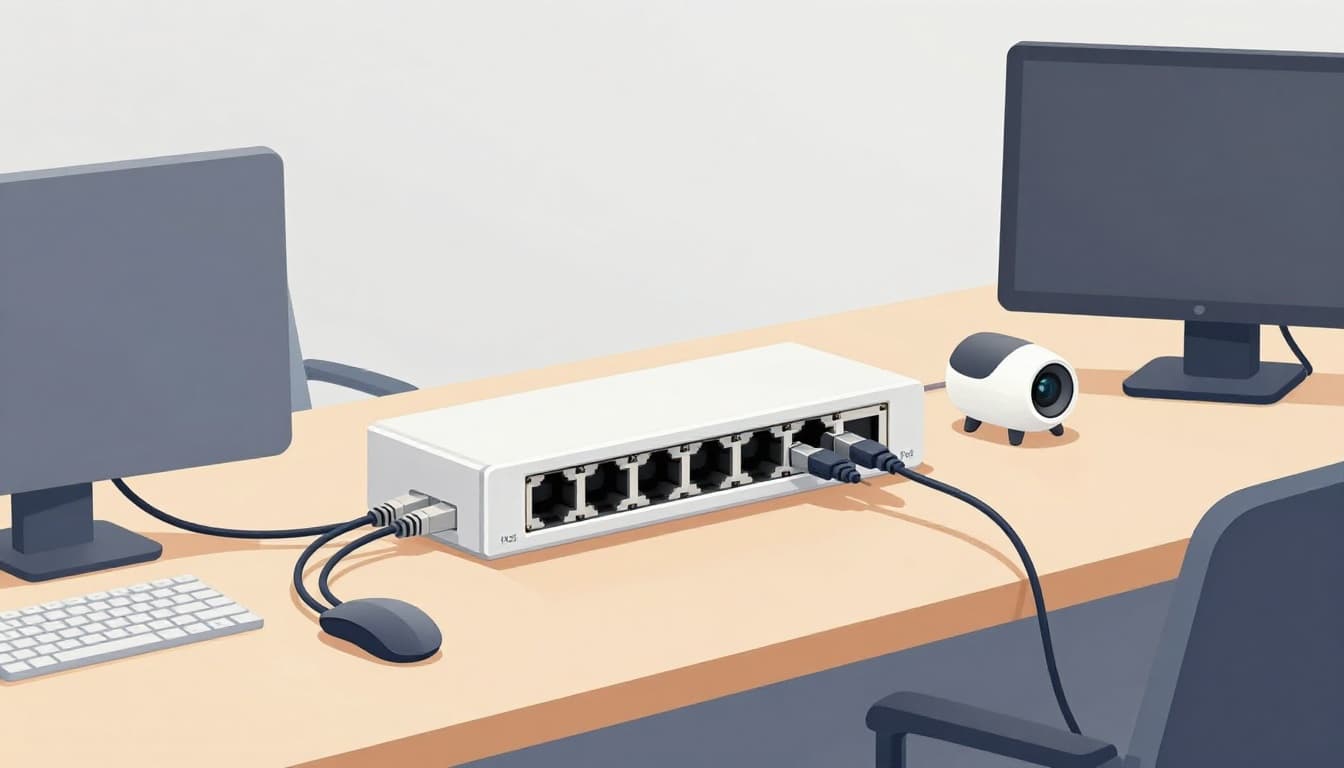
PoE (Power over Ethernet) changes the install story. It sends power and data through the same cable. That means one run can connect a camera, a phone, a door access unit, or a sensor.
For many homes and offices, that’s a big deal. It reduces the need for extra power outlets. It also keeps wiring simpler, especially when devices sit far from traditional outlets.
If you want a practical PoE breakdown, this guide is easy to follow: Power Over Ethernet: what PoE is.
Here’s the tradeoff view:
| PoE choice | Benefit | Watch out for |
|---|---|---|
| Single cable runs | Less clutter, easier installs | Plan cable routes carefully |
| Centralized switching | Easier control and monitoring | Needs a PoE-capable switch |
| Fewer batteries | Less maintenance | Power outages still affect systems |
| Better uptime | Stable device operation | Use proper surge protection |
PoE also helps your network design. Cameras and sensors don’t force your Wi-Fi to carry extra load. Instead, your Wi-Fi stays focused on phones, laptops, and streaming.
Bottom line
PoE turns Ethernet from “just data” into data plus power, which makes it more useful than wireless in many installs.
Cables Make Emerging Tech Like VR and AI Shine
Wireless is moving into VR and AR, and it’s getting better. Still, high demand hardware often needs steadier links. VR especially needs fast reaction time.
If your connection stalls, you don’t just lose video quality. You can feel it in your body. Motion feels delayed. Comfort drops. That’s why wired setups remain common for the best experience.
For a clearer breakdown of how wired VR connections compare, this guide explains the setup tradeoffs well: VR connectivity explained: wired vs wireless.

Bottom line
When you want the lowest delay, cables still help you get there.
Immersive VR and AR Without the Lag
In VR and AR, latency is not an abstract number. It affects what you feel. Wired links can cut the delay enough to keep motion smooth and reduce the risk of motion sickness.
Wireless adds extra variables, like interference, signal strength changes, and network scheduling. Wi-Fi 7 helps, but the radio path still adds uncertainty. A cable avoids those swings.
That’s why many VR setups still use Ethernet to connect the gaming PC to the network, and then use the headset’s tethered link (where supported) for the cleanest real-time feed.
Also, wired links help with sustained data flow. VR involves constant updates, not “send once and wait.”
AI Hardware Thrives on Wired Connections
AI systems move data all the time. Training and inference both need steady bandwidth. When you connect GPUs, storage, and accelerators, cables help avoid timing jitter and keep throughput consistent.
Even when wireless exists in the mix, wired links still handle the heavy transfer jobs. That’s how data centers scale. That’s also how labs build reliable test systems.
In other words, cables are the backbone. Wireless can be the convenience layer.
Conclusion
Cables still matter because they solve the problems wireless can’t always control: reliability, speed, and low latency. When you’re gaming, producing content, running surveillance, or building a network for heavy use, wired connections keep performance predictable.
They also support real-world power needs with PoE. And they help emerging tech like VR and AI work smoothly, not “mostly smoothly.”
If you want a simple next step, try one change: connect your highest-impact device with Ethernet, then notice the difference. After that, explore PoE for cameras or sensors, and consider fiber where distance and data demands grow.
Wireless and cables can coexist. But when you ask why cables are still important in the age of wireless, the answer is clear: cables deliver the kind of stability you can feel.